გზამკვლევი
როგორ ვისტრიმო ნელი ან არასტაბილური ინტერნეტით
დონატორის რედაქცია · 21 ივლისი, 2026
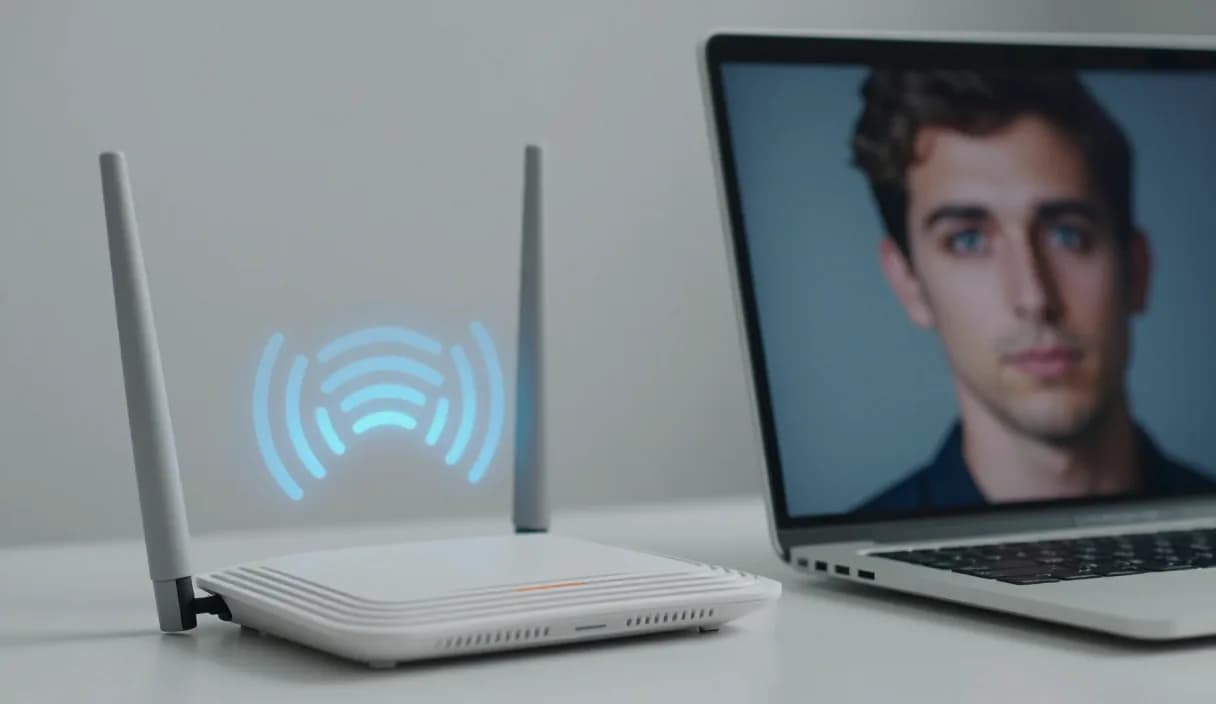
ყველა რეგიონში ერთნაირი ინტერნეტ სიჩქარე არ არსებობს, მაგრამ ეს არ ნიშნავს, რომ სტრიმინგი შეუძლებელია. ეს გზამკვლევი გთავაზობს კონკრეტულ ნაბიჯებს, რომ შეზღუდულ სიჩქარესთანაც სტაბილური ეთერი შექმნა.
დონატორი საქართველოს #1 პლატფორმაა: 3% საკომისიო, ლარში, პირდაპირ ქართულ ბანკზე.
შექმენი ანგარიში 2 წუთში და დაიწყე თანხის მიღება დღესვე.
ნაბიჯი 1 / 3
დაარეგულირე ბიტრეიტი და გარჩევადობა რეალურად
ბიტრეიტის შემცირება 720p გარჩევადობაზე ხშირად უკეთეს შედეგს იძლევა, ვიდრე მაღალი გარჩევადობა, რომელიც მუდმივად წყდება ან იბლოკება.
სცადე ტესტ ეთერი პრივატულად, სანამ საბოლოო პარამეტრებს დაადგენ, რომ იპოვო წონასწორობა ხარისხსა და სტაბილურობას შორის, რომელიც შენს კავშირს ერგება.
შეამცირე სხვა მოწყობილობების დატვირთვა ეთერის დროს
სხვა მოწყობილობების ერთდროული ინტერნეტ გამოყენება, განსაკუთრებით დიდი გადმოწერები, პირდაპირ აქვეითებს ეთერისთვის ხელმისაწვდომ სიჩქარეს.
სადაც შეიძლება, გამოიყენე კაბელით დაკავშირება Wi-Fi-ის ნაცვლად, კაბელი უფრო სტაბილურია და შემთხვევით შეფერხებას ამცირებს.
მოამზადე სარეზერვო გეგმა შეფერხებისთვის
წინასწარ განუცხადე აუდიტორიას, რომ დროებითი შეფერხება შეიძლება, ღია კომუნიკაცია მაყურებელს გაუგებრობას აშორებს.
თუ კავშირი ხშირად წყდება, განიხილე ალტერნატიული საათები ან მოკლე ეთერების ფორმატი, სანამ ინტერნეტ ინფრასტრუქტურა გაუმჯობესდება.
DonationAlerts და Streamlabs: streaming on a slow internet connection და ადგილობრივი არჩევანი
ბევრი სტრიმერი Google-ში DonationAlerts-ს ან Streamlabs-ს ეძებს, როცა სურს setup ან ალტერნატივა. თემაზე streaming on a slow internet connection საქართველოში მნიშვნელოვანია გამოტანა ლარში.
დონატორზე OBS ალერტი მყისვე ჩნდება, მაყურებელი იხდის ნებისმიერი ბარათით, თანხა კი TBC-ზე ან საქართველოს ბანკზე მიდის. შეიძლება იგივე ალერტის ჩვევა შეინარჩუნო და გამოტანა ადგილობრივად მოაგვარო.
DonationAlerts, Streamlabs და სხვა ხელსაწყოები: რა იცვლება საქართველოში
ბევრი სტრიმერი იწყებს DonationAlerts-ით ან Streamlabs-ით, რადგან სწორედ ამ სახელებს ეძებენ Google-ში OBS-ის ალერტის, დონაციის გვერდის ან უცხოური პლატფორმის ალტერნატივისთვის. StreamElements-საც ხშირად უყურებენ იმავე ნაკრებში.
საქართველოში ეს ხელსაწყოები ხშირად სხვა ქვეყნის მომხმარებლისთვისაა აწყობილი: უცხოური საფულე, რთული გამოტანა ან საკომისიო, რომელიც ლარში სრულიად ვერ გექნება ხელთ. Patreon და PayPal-იც კარგია გარკვეული ფორმატისთვის, მაგრამ მყისვე სტრიმის დონაციასა და ქართულ ბანკზე გადმორიცხვას ყოველთვის ვერ ანაცვლებენ.
დონატორი იმისთვისაა, რომ მაყურებელმა ნებისმიერი ბარათით, ქართული თუ უცხოური, შეძლოს დონაცია, ალერტი OBS-ში მყისვე გამოჩნდეს, და თანხა ლარში, პირდაპირ TBC-ზე ან საქართველოს ბანკზე ჩაგერიცხოს. თუ აქამდე DonationAlerts ან Streamlabs გქონდა, შეიძლება იგივე ალერტის ჩვევა შეინარჩუნო და გამოტანა ადგილობრივად მოაგვარო.
ხშირად დასმული კითხვები
საჭიროა თუ არა ძვირადღირებული ინტერნეტი სტრიმინგისთვის?
- არა აუცილებლად, სწორად დარეგულირებული ბიტრეიტი და გარჩევადობა საშუალო სიჩქარეზეც სტაბილურ ეთერს იძლევა.
დონაცია გავლენას ახდენს ტექნიკურ დატვირთვაზე?
- არა, დონატორის ალერტი მსუბუქი Browser Source ელემენტია და დამატებით დატვირთვას ეთერის ტრანსლაციაზე პრაქტიკულად არ ქმნის.
შემიძლია დონაცია მივიღო, თუ ეთერი ხშირად წყდება?
- დიახ, დონაციის ბმული ეთერისგან დამოუკიდებლად მუშაობს, მაყურებელს შეუძლია დონაცია გააკეთოს ეთერს გარეთაც.
სჯობს Donator-ი სხვა დონაციის სერვისს, თუ ინტერნეტი შეზღუდულია?
- Donator-ის ალერტი მსუბუქია და საკუთარ ინფრასტრუქტურას საჭიროებს ცოტას, ხოლო ზოგიერთი უცხოური სერვისი დამატებით სკრიპტებს ატვირთავს, რაც შეზღუდულ კავშირზე შესამჩნევია.
დაკავშირებული სტატიები
- DonationAlerts და Streamlabs ალტერნატივა საქართველოში
- როგორ მიიღო დონაცია სტრიმზე
- OBS დონაციის ალერტის დაყენება
- ხელოვნების სკოლა: ფულადი გზავნილები 3% საკომისიოთი
- დაბალი მაყურებლის დღეები: როგორ გავუძლოთ სტრიმერმა
- თანმიმდევრულობა სტრიმინგში, როცა მოტივაცია ეცემა
- ფულის გადარიცხვა საგადასახადო კონსულტანტებისთვის
- ფინანსური მრჩევლის ფულის გადარიცხვა
- თარჯიმნის ფულადი გზავნილები 3% საკომისიოთი
ოფიციალური წყაროები
დონატორი: საქართველოს პირველი და საუკეთესო დონაციების პლატფორმა სტრიმერებისთვის. ჩვენი მიზანია გავხდეთ ერთადერთი პლატფორმა, რაც სტრიმერს სჭირდება, და თანდათან გავფართოვდეთ მთელ კავკასიაში.
ოფიციალურ პარტნიორობაში საქართველოს წამყვან ბანკებთან, TBC და საქართველოს ბანკი.
დონატორი საქართველოს #1 პლატფორმაა: 3% საკომისიო, ლარში, პირდაპირ ქართულ ბანკზე.
შექმენი ანგარიში 2 წუთში და დაიწყე თანხის მიღება დღესვე.
ნაბიჯი 1 / 3
სტრიმერებისთვისგზამკვლევიDonationAlerts და Streamlabs ალტერნატივაინდუსტრიებიბლოგითამაშების მიმოხილვებიკითხვებიჩვენს შესახებდემო