Guide
How to do a Q&A stream that engages viewers
Donator Editorial · July 21, 2026
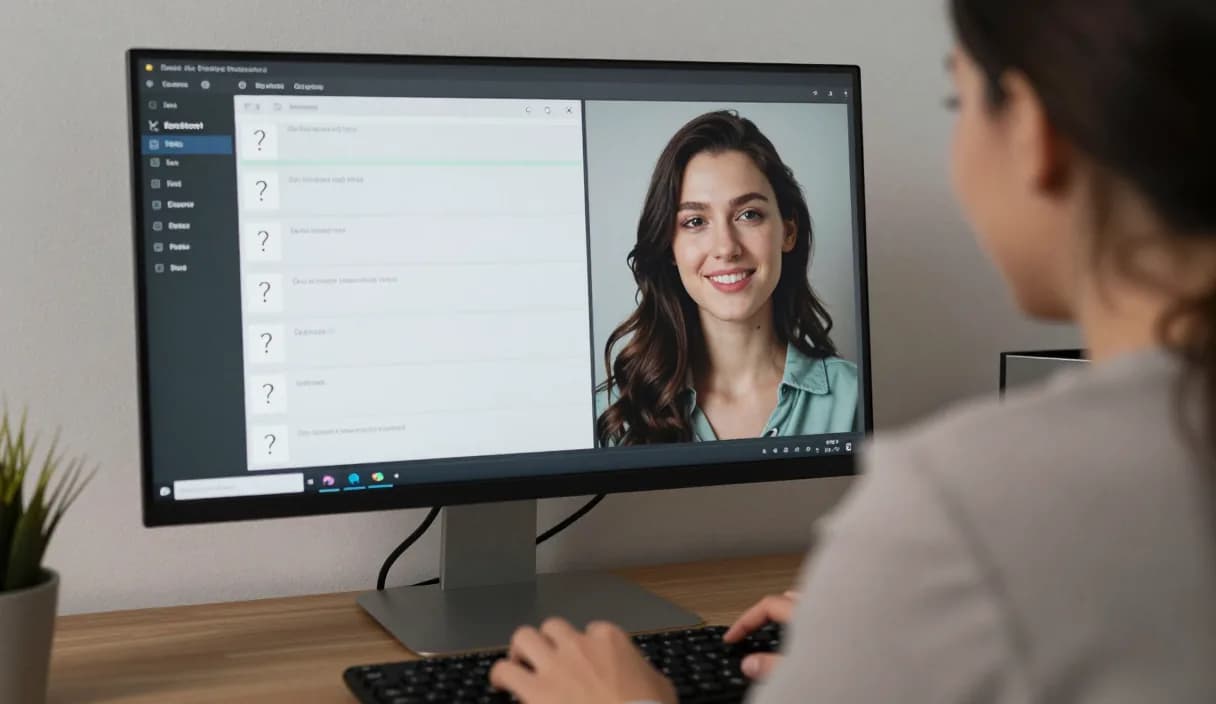
Doing a Q&A stream is one of the simplest ways to build a direct connection with your audience. A well-organized question-and-answer session needs no extra equipment. This guide shows how to prepare, run, and connect a Q&A stream to donations with Donator.
Donator is Georgia's #1 platform: 3% commission, paid out in GEL straight to your Georgian bank.
Create an account in 2 minutes and start getting paid today.
Step 1 of 3
Collecting questions in advance
Gather questions before the stream on social media or in chat, so you avoid awkward pauses and keep the conversation flowing.
Select questions so that one or two deeper topics come up, this gives the stream dynamics and replaces shallow answers.
Structuring the session
Start with simple, light questions and gradually move to more substantial topics. This rhythm holds viewers to the end.
Give each question a reasonable amount of time and do not drag out one topic. A clear pace keeps the stream alive.
Managing chat during the live stream
If chat is busy, appoint a helper or use a simple rule, for example a question marked with a specific tag, so you can spot questions easily.
Before answering, read the question and the asker's name out loud. This makes viewers feel their question was truly heard.
Connecting the Q&A to donations
Invite viewers to put a question in their donation message, it appears on stream through the Donator alert and makes the question visible.
Acknowledge every question that comes with a donation and answer it. This connection strengthens gratitude and engagement, and the amount is paid out to a Georgian bank in GEL.
DonationAlerts and Streamlabs: how to do a q and a stream and the local option
Many streamers search DonationAlerts or Streamlabs when they want setup or an alternative. For how to do a q and a stream in Georgia, GEL payout is often the real friction.
On Donator the OBS alert shows right away, viewers pay with any card, and money goes to TBC or Bank of Georgia. You can keep the same alert habit and fix payouts locally.
DonationAlerts, Streamlabs, and other tools: what changes in Georgia
Many streamers start with DonationAlerts or Streamlabs, because those are the names people type when they search for an OBS donation alert, a donation page, or an alternative to a foreign tool. StreamElements often shows up in the same shortlist.
In Georgia those products are often built for other markets: foreign wallets, awkward withdrawals, or fees that never land cleanly in GEL. Patreon and PayPal still fit some creator formats, but they do not always replace live stream donations with payout to a Georgian bank.
Donator is built so a viewer can pay with any card, Georgian or foreign, the alert can show in OBS right away, and the money settles in GEL to TBC or Bank of Georgia. If you already used DonationAlerts or Streamlabs, you can keep the same alert habit and fix payouts locally.
Frequently asked questions
- Do I need to collect questions in advance?
- It helps. Questions gathered in advance cover awkward pauses, though you can also rely on live chat.
- How long should a Q&A stream last?
- One hour with a clear pace is enough. What matters is a lively rhythm, not the length.
- How do I connect a Q&A to donations?
- Invite viewers to put a question in their donation message, it appears on stream through the Donator alert and makes the question visible.
- How is the Donator alert better than foreign tools for a Q&A?
- The Donator alert appears instantly in OBS, and the amount is paid directly to a Georgian bank in GEL, unlike foreign tools, through an official partnership with TBC and Bank of Georgia.
Related articles
Official sources
Donator: Georgia's first and best donation platform for streamers, on its way to becoming the only platform a streamer needs and expanding across the Caucasus region.
In official partnership with Georgia's leading banks, TBC and Bank of Georgia.
Donator is Georgia's #1 platform: 3% commission, paid out in GEL straight to your Georgian bank.
Create an account in 2 minutes and start getting paid today.
Step 1 of 3
For streamersGuideDonationAlerts and Streamlabs alternativeIndustriesBlogFAQAboutDemo