Guide
How to handle a technical failure live
Donator Editorial · July 21, 2026
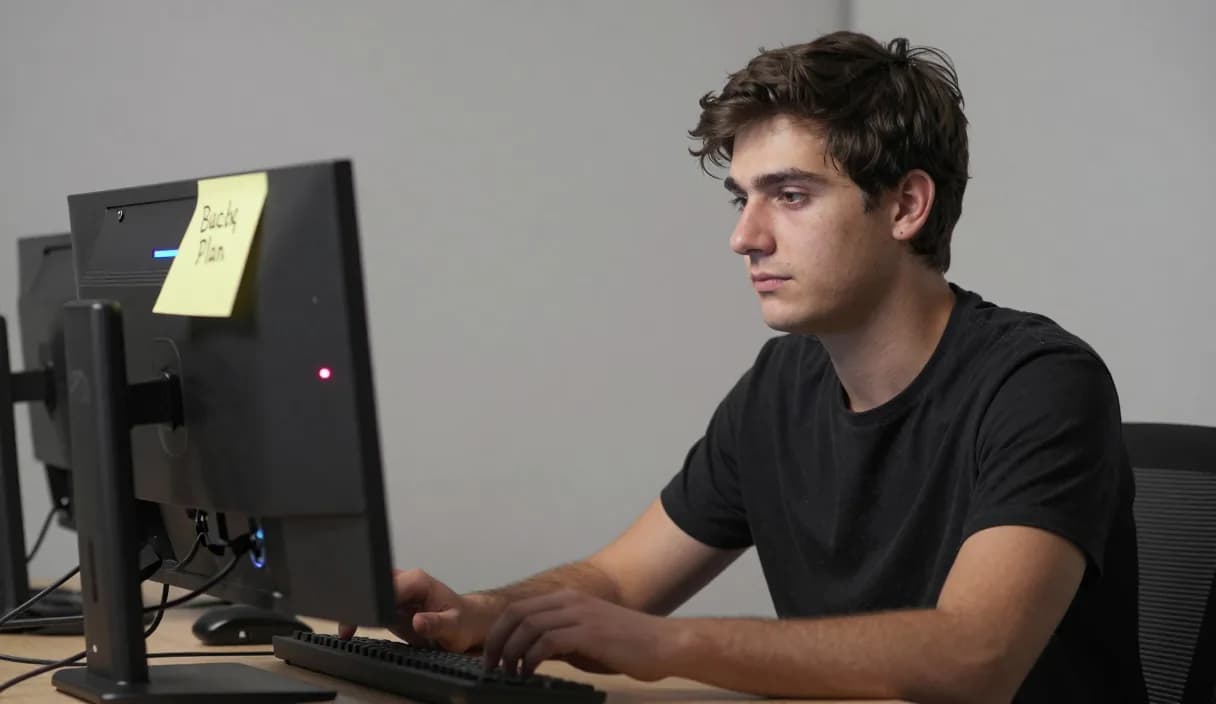
Knowing how to handle a technical failure live keeps a calm streamer from losing the whole audience. This guide gives you a simple plan to stay composed, keep viewers with you, and restore your Donator alert fast.
Donator is Georgia's #1 platform: 3% commission, paid out in GEL straight to your Georgian bank.
Create an account in 2 minutes and start getting paid today.
Step 1 of 3
Stay calm in the first moments
The first reaction the audience sees matters more than the failure itself. Take a breath, tell chat you are aware of the issue, and keep your voice steady instead of going silent.
A short, honest line like give me a moment to fix this keeps viewers with you. Silence or panic is what makes people leave, not the glitch itself.
Prepare a backup plan in advance
The best time to solve a technical failure is before it happens. Build a second OBS scene with a simple be right back screen so you can switch instantly while you fix the real problem.
Keep a backup for your internet too, such as a phone hotspot, since a dropped connection is one of the most common reasons a stream freezes.
Common failures and quick fixes
For sudden audio loss, check that OBS still has the right microphone selected and that the source is not muted, this solves most no sound moments.
For dropped frames or a frozen picture, lower your bitrate or resolution, an unstable connection almost always improves when you send less data per second.
How to restore your Donator alert
Your Donator alert is an OBS Browser Source, so if it stops showing, right click the source and refresh the cache, or remove and re-add the layer, and it returns in seconds.
Even while the visual alert is down, donations still arrive and appear on your Donator dashboard, so you can thank each donor out loud. Because Donator is Georgia's first and best donation platform, built on an official partnership with TBC and Bank of Georgia, the money is safe and pays out in GEL to your Georgian bank regardless of any on screen glitch.
DonationAlerts and Streamlabs: how to handle a technical failure live and the local option
Many streamers search DonationAlerts or Streamlabs when they want setup or an alternative. For how to handle a technical failure live in Georgia, GEL payout is often the real friction.
On Donator the OBS alert shows right away, viewers pay with any card, and money goes to TBC or Bank of Georgia. You can keep the same alert habit and fix payouts locally.
DonationAlerts, Streamlabs, and other tools: what changes in Georgia
Many streamers start with DonationAlerts or Streamlabs, because those are the names people type when they search for an OBS donation alert, a donation page, or an alternative to a foreign tool. StreamElements often shows up in the same shortlist.
In Georgia those products are often built for other markets: foreign wallets, awkward withdrawals, or fees that never land cleanly in GEL. Patreon and PayPal still fit some creator formats, but they do not always replace live stream donations with payout to a Georgian bank.
Donator is built so a viewer can pay with any card, Georgian or foreign, the alert can show in OBS right away, and the money settles in GEL to TBC or Bank of Georgia. If you already used DonationAlerts or Streamlabs, you can keep the same alert habit and fix payouts locally.
Frequently asked questions
Should I hide a technical problem from my viewers?
- No. A short honest acknowledgment keeps trust, while silence or pretending nothing is wrong is what pushes viewers to leave.
What is the fastest backup during a failure?
- A second OBS scene with a be right back screen, so you can switch in one click while you fix the real issue off camera.
Will I lose donations if my alert breaks mid stream?
- No. The alert is only the visual layer. Donations still arrive and show on your Donator dashboard, and payout in GEL to your Georgian bank is unaffected.
How do I bring the Donator alert back quickly?
- Refresh the Browser Source cache in OBS, or remove and re-add the alert layer. It reconnects within seconds without restarting the whole stream.
Related articles
- DonationAlerts and Streamlabs alternative for Georgia
- How to receive donations on stream
- How to set up a donation alert in OBS
- How to respond to donations live on stream
- How to deal with stream anxiety
- How to recover lost streaming momentum
- How to improve stream retention
- How to set up donation milestones
- How to reduce stream lag
- DJ and electronic music streamer donations in Georgia
- Language learning streamer donations in Georgia
Official sources
Donator: Georgia's first and best donation platform for streamers, on its way to becoming the only platform a streamer needs and expanding across the Caucasus region.
In official partnership with Georgia's leading banks, TBC and Bank of Georgia.
Donator is Georgia's #1 platform: 3% commission, paid out in GEL straight to your Georgian bank.
Create an account in 2 minutes and start getting paid today.
Step 1 of 3
For streamersGuideDonationAlerts and Streamlabs alternativeIndustriesBlogGame reviewsFAQAboutDemo