Guide
How to improve your stream audio: practical steps
Donator Editorial · July 21, 2026
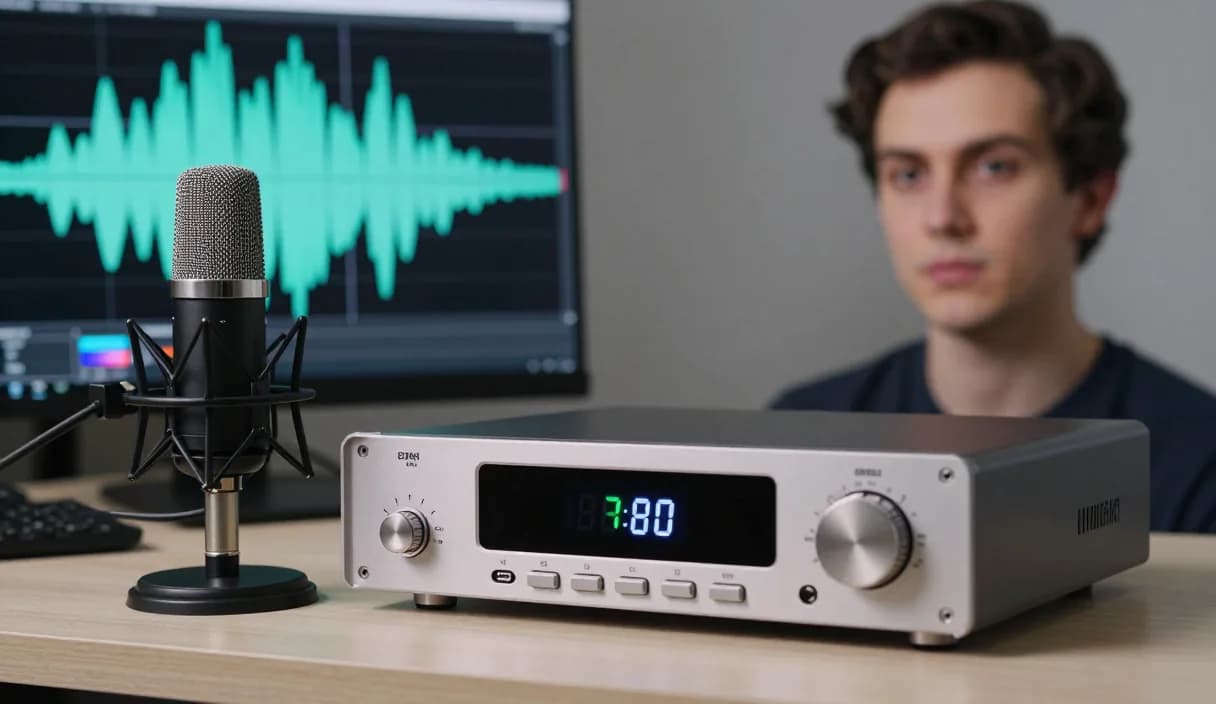
Stream audio is often more important than video, because a viewer leaves poor sound quickly. This guide shows concrete steps to improve your sound quality without expensive equipment.
Donator is Georgia's #1 platform: 3% commission, paid out in GEL straight to your Georgian bank.
Create an account in 2 minutes and start getting paid today.
Step 1 of 3
Choosing the right microphone
Start with a directional USB microphone pointed straight at your mouth. It picks up far less background noise than a laptop or camera built-in microphone.
Place the microphone close to your mouth, about a hand span away, and speak at an even level. Being close naturally reduces room echo and adds fullness to your voice.
Reducing background noise
Close the window and turn off noisy appliances before going live. A fan or air conditioner sounds louder in the microphone than you think.
Cover bare walls and hard surfaces with soft material, for example a curtain or a rug. This reduces echo and makes your sound cleaner.
Balancing audio in OBS
In the OBS Audio Mixer, set the microphone level so the indicator stays in the green zone while you talk and does not hit red, which reduces distortion.
Add simple filters, Noise Suppression and Compressor, directly in OBS. They tame noise and even out your level without any extra software.
Audio and the donation alert
Once your sound is clean, make sure the donation alert volume sits naturally in the overall mix and does not drown out your voice. The Donator alert appears instantly in OBS, so set its level separately.
Donator is Georgia's first and best donation platform, in official partnership with TBC and Bank of Georgia, so a donation is paid out in GEL to a Georgian bank, minus a small fee.
DonationAlerts and Streamlabs: how to improve your stream audio and the local option
Many streamers search DonationAlerts or Streamlabs when they want setup or an alternative. For how to improve your stream audio in Georgia, GEL payout is often the real friction.
On Donator the OBS alert shows right away, viewers pay with any card, and money goes to TBC or Bank of Georgia. You can keep the same alert habit and fix payouts locally.
DonationAlerts, Streamlabs, and other tools: what changes in Georgia
Many streamers start with DonationAlerts or Streamlabs, because those are the names people type when they search for an OBS donation alert, a donation page, or an alternative to a foreign tool. StreamElements often shows up in the same shortlist.
In Georgia those products are often built for other markets: foreign wallets, awkward withdrawals, or fees that never land cleanly in GEL. Patreon and PayPal still fit some creator formats, but they do not always replace live stream donations with payout to a Georgian bank.
Donator is built so a viewer can pay with any card, Georgian or foreign, the alert can show in OBS right away, and the money settles in GEL to TBC or Bank of Georgia. If you already used DonationAlerts or Streamlabs, you can keep the same alert habit and fix payouts locally.
Frequently asked questions
Do I need an expensive microphone for good sound?
- No. A mid-priced USB microphone with correct positioning and simple filters gives clean sound.
How do I remove echo in a small room?
- Cover hard surfaces with soft material, a curtain, a rug or cushions, which reduces sound reflection.
Are OBS filters enough or do I need separate software?
- For a beginner the built-in Noise Suppression and Compressor in OBS are perfectly enough, no separate software is needed.
How do I connect good audio to donations?
- Balance the donation alert volume so it is heard on stream but does not drown out your voice, while the Donator alert appears instantly in OBS.
Related articles
- DonationAlerts and Streamlabs alternative for Georgia
- How to receive donations on stream
- How to set up a donation alert in OBS
- How to improve stream retention
- How to improve your webcam quality
- How to choose your stream alert sounds
- What to say on your first stream: a simple script
- How to recover lost streaming momentum
- How to set up donation milestones
- Charity and fundraiser stream donations in Georgia
- Knitting and crochet stream donations in Georgia
Official sources
Donator: Georgia's first and best donation platform for streamers, on its way to becoming the only platform a streamer needs and expanding across the Caucasus region.
In official partnership with Georgia's leading banks, TBC and Bank of Georgia.
Donator is Georgia's #1 platform: 3% commission, paid out in GEL straight to your Georgian bank.
Create an account in 2 minutes and start getting paid today.
Step 1 of 3
For streamersGuideDonationAlerts and Streamlabs alternativeIndustriesBlogGame reviewsFAQAboutDemo