Guide
How to make a stream schedule graphic viewers remember
Donator Editorial · July 21, 2026
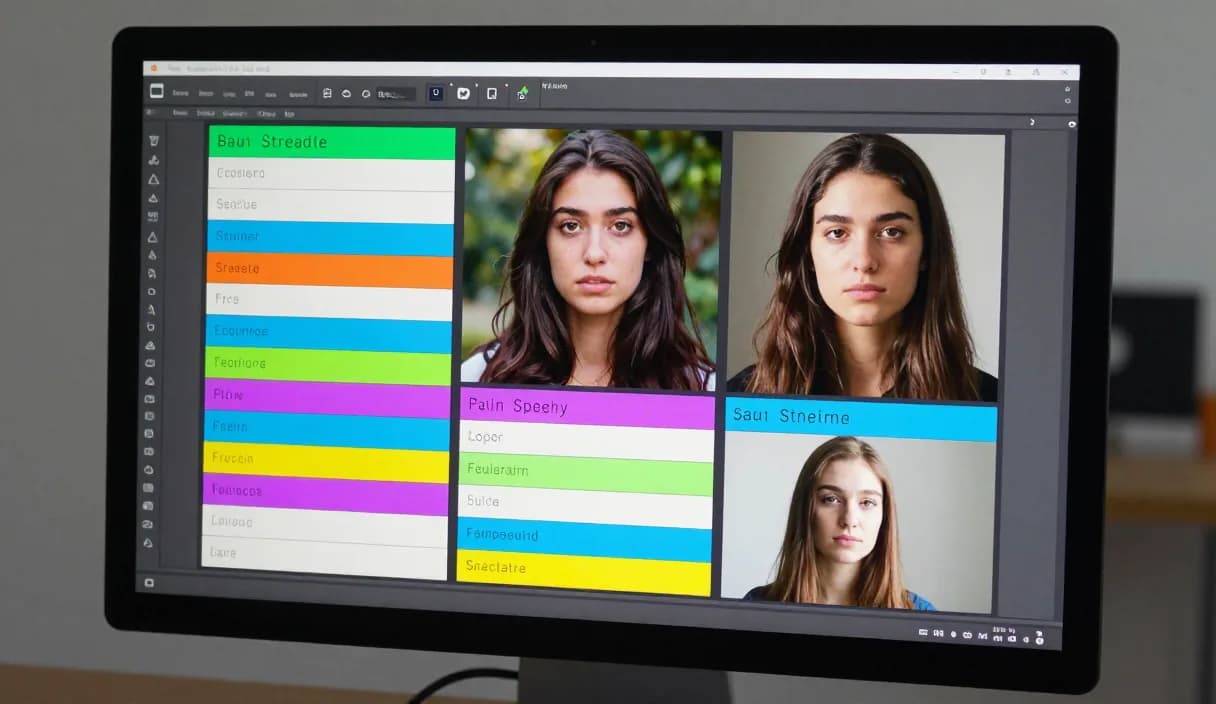
A stream schedule graphic helps viewers know when you are live and come back regularly. A clear, clean graphic creates a sense of consistency and builds audience trust. This guide shows how to make one with simple tools.
Donator is Georgia's #1 platform: 3% commission, paid out in GEL straight to your Georgian bank.
Create an account in 2 minutes and start getting paid today.
Step 1 of 3
What information the graphic should include
State your stream days and times clearly, ideally with a time zone, so viewers abroad and the diaspora also know the exact time.
Add your name or logo and, optionally, a theme per day, for example which game or format you dedicate it to.
Choose a simple tool
You do not need expensive software to make a graphic, adapting a ready template in a free online design tool is enough.
Pick a readable font and your brand colors so the graphic connects to your channel at a glance.
Keep the design clear and clean
Do not overload the graphic with text. Three to seven streams with clear days read more easily than a crowded week.
Leave whitespace and contrast so the schedule is easy to read even on a small screen, for example a phone.
Share it and connect it to donations
Post the graphic on social media, your channel banner and the stream description so viewers can find it easily.
Add your donation link in the same place you share the schedule, so viewers can also support you with Donator easily. After a small platform fee, the money is paid out in GEL to a Georgian bank.
DonationAlerts and Streamlabs: how to make a stream schedule graphic and the local option
Many streamers search DonationAlerts or Streamlabs when they want setup or an alternative. For how to make a stream schedule graphic in Georgia, GEL payout is often the real friction.
On Donator the OBS alert shows right away, viewers pay with any card, and money goes to TBC or Bank of Georgia. You can keep the same alert habit and fix payouts locally.
DonationAlerts, Streamlabs, and other tools: what changes in Georgia
Many streamers start with DonationAlerts or Streamlabs, because those are the names people type when they search for an OBS donation alert, a donation page, or an alternative to a foreign tool. StreamElements often shows up in the same shortlist.
In Georgia those products are often built for other markets: foreign wallets, awkward withdrawals, or fees that never land cleanly in GEL. Patreon and PayPal still fit some creator formats, but they do not always replace live stream donations with payout to a Georgian bank.
Donator is built so a viewer can pay with any card, Georgian or foreign, the alert can show in OBS right away, and the money settles in GEL to TBC or Bank of Georgia. If you already used DonationAlerts or Streamlabs, you can keep the same alert habit and fix payouts locally.
Frequently asked questions
What software do I need to make the graphic?
- A free online design tool with ready templates is enough, no expensive software is required.
How many streams should I put on the graphic?
- As many as you actually run. Three to seven days is usually enough and stays clear.
Should I include a time zone?
- It is recommended. It helps viewers abroad and the diaspora know exactly when you are live.
How do I connect the graphic to donations?
- Post your donation link next to the schedule so viewers can support you with Donator even before the stream.
Related articles
- DonationAlerts and Streamlabs alternative for Georgia
- How to receive donations on stream
- How to set up a donation alert in OBS
- How to add emotes to your stream
- How to make a starting soon screen in OBS
- How to plan a content calendar for streamers
- How to schedule your first week of streaming
- Make a good stream thumbnail: a quick guide
- Creating clips and highlights for streamers
- Donations for graphic design streamers, Georgia
Official sources
Donator: Georgia's first and best donation platform for streamers, on its way to becoming the only platform a streamer needs and expanding across the Caucasus region.
In official partnership with Georgia's leading banks, TBC and Bank of Georgia.
Donator is Georgia's #1 platform: 3% commission, paid out in GEL straight to your Georgian bank.
Create an account in 2 minutes and start getting paid today.
Step 1 of 3
For streamersGuideDonationAlerts and Streamlabs alternativeIndustriesBlogGame reviewsFAQAboutDemo