Guide
Overlays and widgets: how to set up your stream visuals
Donator Editorial · July 21, 2026
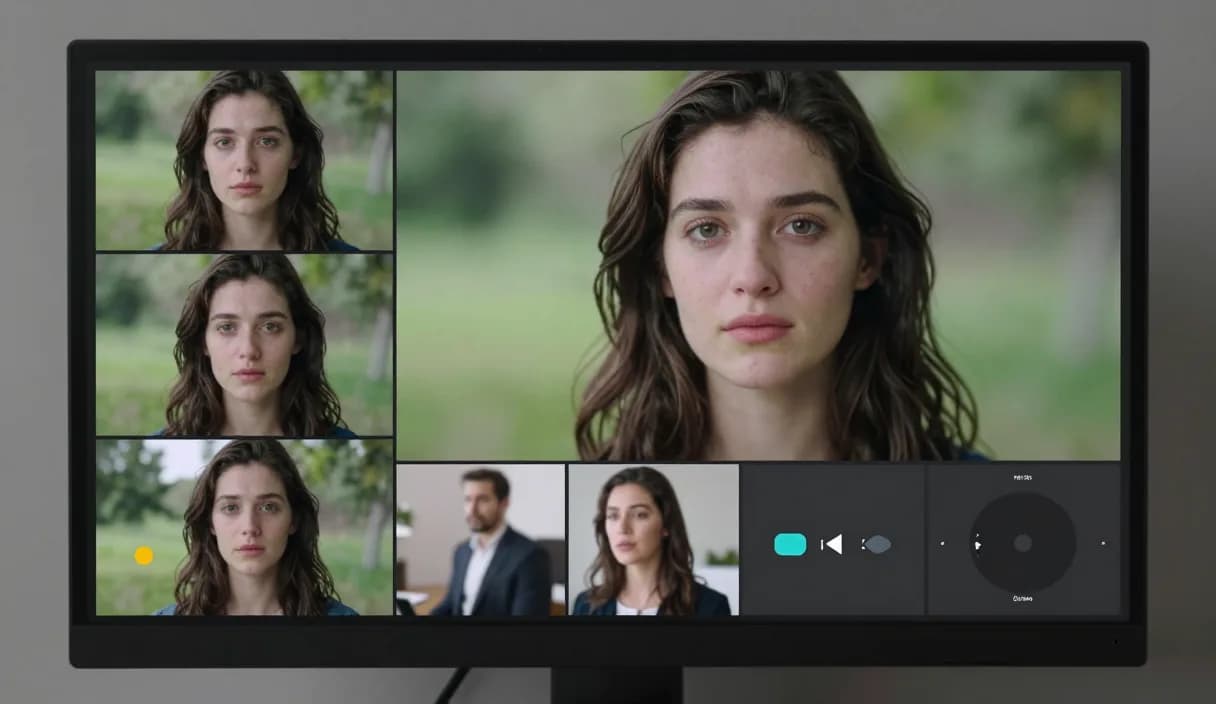
Overlays and widgets form the visual foundation of a stream and give the broadcast a professional look. This guide explains the difference between them, how to add them in OBS, and how to connect a donation alert.
Donator is Georgia's #1 platform: 3% commission, paid out in GEL straight to your Georgian bank.
Create an account in 2 minutes and start getting paid today.
Step 1 of 3
What is the difference between an overlay and a widget
An overlay is a static graphic layer, for example a frame, background or logo, shown on top of the video.
A widget is a dynamic element that changes in real time, for example a donation alert, the latest donor's name, or a goal bar.
Adding an overlay in OBS
In OBS sources, add an Image or Media source for a static overlay and position it where you want on the scene.
Order the layers so the overlay sits above the camera and game but does not cover the main content.
Adding widgets with a Browser Source
A dynamic widget, including the Donator alert, is added in OBS as a Browser Source layer: copy the link and paste it into a new Browser Source.
The Donator alert appears on stream instantly when a donation comes in, with nothing to install, because it runs on the built-in Browser Source.
Keeping visuals clean and light
Do not overload the screen, two or three thoughtful elements beat many widgets stacked on top of each other.
Too many widgets can take resources from OBS, so watch your stream performance and keep only the elements you need.
DonationAlerts and Streamlabs: how to use overlays and widgets and the local option
Many streamers search DonationAlerts or Streamlabs when they want setup or an alternative. For how to use overlays and widgets in Georgia, GEL payout is often the real friction.
On Donator the OBS alert shows right away, viewers pay with any card, and money goes to TBC or Bank of Georgia. You can keep the same alert habit and fix payouts locally.
DonationAlerts, Streamlabs, and other tools: what changes in Georgia
Many streamers start with DonationAlerts or Streamlabs, because those are the names people type when they search for an OBS donation alert, a donation page, or an alternative to a foreign tool. StreamElements often shows up in the same shortlist.
In Georgia those products are often built for other markets: foreign wallets, awkward withdrawals, or fees that never land cleanly in GEL. Patreon and PayPal still fit some creator formats, but they do not always replace live stream donations with payout to a Georgian bank.
Donator is built so a viewer can pay with any card, Georgian or foreign, the alert can show in OBS right away, and the money settles in GEL to TBC or Bank of Georgia. If you already used DonationAlerts or Streamlabs, you can keep the same alert habit and fix payouts locally.
Frequently asked questions
What is the difference between an overlay and a widget?
- An overlay is static graphics, such as a frame, while a widget changes dynamically, such as a donation alert.
How do I add a donation widget in OBS?
- Copy the Donator alert link and paste it into a new Browser Source on your OBS scene, and it appears automatically on donations.
Do widgets slow OBS down?
- Many heavy widgets can use resources, so it is better to keep only the elements you need and watch your stream performance.
Do I need to know code for an overlay?
- No. In OBS an overlay and widget are added visually by adding sources, no programming is required.
Related articles
- DonationAlerts and Streamlabs alternative for Georgia
- How to receive donations on stream
- How to set up a donation alert in OBS
- How to add emotes to your stream
- How to use a donation leaderboard on stream
- How to use a donation tracker on your stream
- How to run a poll on stream
- How to use a donation goal for a project
- How to turn viewers into subscribers
Official sources
Donator: Georgia's first and best donation platform for streamers, on its way to becoming the only platform a streamer needs and expanding across the Caucasus region.
In official partnership with Georgia's leading banks, TBC and Bank of Georgia.
Donator is Georgia's #1 platform: 3% commission, paid out in GEL straight to your Georgian bank.
Create an account in 2 minutes and start getting paid today.
Step 1 of 3
For streamersGuideDonationAlerts and Streamlabs alternativeIndustriesBlogGame reviewsFAQAboutDemo