Guide
How to set up a second monitor for streaming, step by step
Donator Editorial · July 21, 2026
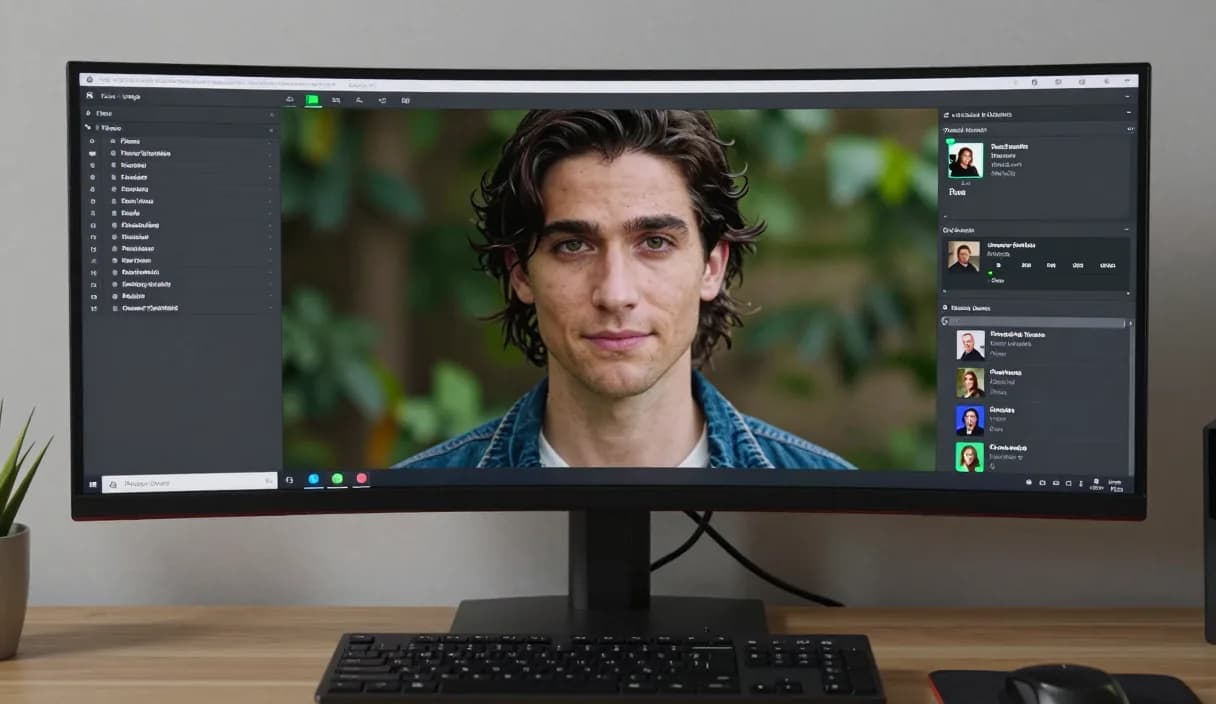
A second monitor for streaming is one of the most effective upgrades a streamer can make, because it stops chat, OBS, and your dashboard from crowding a single screen. This guide shows what you need, how to connect it, and how to use the second screen to run your broadcast. Donator is Georgia's first and best streaming donation platform, in official partnership with TBC and Bank of Georgia.
Donator is Georgia's #1 platform: 3% commission, paid out in GEL straight to your Georgian bank.
Create an account in 2 minutes and start getting paid today.
Step 1 of 3
Why a second monitor helps
Managing a game, chat, OBS, and your donation dashboard on one screen is hard and splits your attention. A second monitor gives each of these its own space.
As a result you give your main on-stream content better attention, without losing the connection with viewers, because chat is always in front of you.
What you need to connect one
You need a second monitor, the right cable, for example HDMI or USB-C, and a graphics card or laptop that can output to two screens. Most modern computers handle this without trouble.
Check that the ports match on both the monitor and the computer side. If needed, a simple adapter solves any difference between ports.
Arranging the displays
After connecting, open your system display settings and arrange the monitors the way they physically sit, so the cursor moves naturally from one to the other.
Set the main screen where you watch your game or main content, and give the second one a supporting role for running the stream.
Putting OBS, chat and your Donator dashboard on the second screen
Move OBS, the chat window, and your Donator dashboard to the second screen so the main screen stays clean for content. This way you track donations in real time without interrupting the stream.
The Donator alert still appears on stream instantly through an OBS Browser Source, while the amount is paid to a Georgian bank in GEL, TBC or Bank of Georgia, minus a small platform fee. Viewers pay with any card, including the diaspora.
DonationAlerts and Streamlabs: how to set up a second monitor for streaming and the local option
Many streamers search DonationAlerts or Streamlabs when they want setup or an alternative. For how to set up a second monitor for streaming in Georgia, GEL payout is often the real friction.
On Donator the OBS alert shows right away, viewers pay with any card, and money goes to TBC or Bank of Georgia. You can keep the same alert habit and fix payouts locally.
DonationAlerts, Streamlabs, and other tools: what changes in Georgia
Many streamers start with DonationAlerts or Streamlabs, because those are the names people type when they search for an OBS donation alert, a donation page, or an alternative to a foreign tool. StreamElements often shows up in the same shortlist.
In Georgia those products are often built for other markets: foreign wallets, awkward withdrawals, or fees that never land cleanly in GEL. Patreon and PayPal still fit some creator formats, but they do not always replace live stream donations with payout to a Georgian bank.
Donator is built so a viewer can pay with any card, Georgian or foreign, the alert can show in OBS right away, and the money settles in GEL to TBC or Bank of Georgia. If you already used DonationAlerts or Streamlabs, you can keep the same alert habit and fix payouts locally.
Frequently asked questions
Do I need a second monitor for streaming?
- It is not required, but it makes managing chat, OBS, and your donation dashboard at the same time much easier during one broadcast.
Does any computer support two monitors?
- Most modern computers and laptops support two screens without issue, you just need the right port and cable.
What should I put on the second screen?
- It is convenient to keep OBS, chat, and your Donator dashboard on the second screen so the main screen is only for content.
Will the alert still show on stream?
- Yes. The alert is an OBS Browser Source layer and appears on stream instantly, no matter which screen you keep the dashboard on.
Related articles
- DonationAlerts and Streamlabs alternative for Georgia
- How to receive donations on stream
- How to set up a donation alert in OBS
- How to stream on a Mac with OBS
- How to set up your first OBS scene step by step
- The best lighting setup for streaming
- How to choose a webcam for streaming
- How to choose a microphone: a streamer's guide
Official sources
Donator: Georgia's first and best donation platform for streamers, on its way to becoming the only platform a streamer needs and expanding across the Caucasus region.
In official partnership with Georgia's leading banks, TBC and Bank of Georgia.
Donator is Georgia's #1 platform: 3% commission, paid out in GEL straight to your Georgian bank.
Create an account in 2 minutes and start getting paid today.
Step 1 of 3
For streamersGuideDonationAlerts and Streamlabs alternativeIndustriesBlogGame reviewsFAQAboutDemo