Guide
How to stream with friends: a guide to co-streaming
Donator Editorial · July 21, 2026
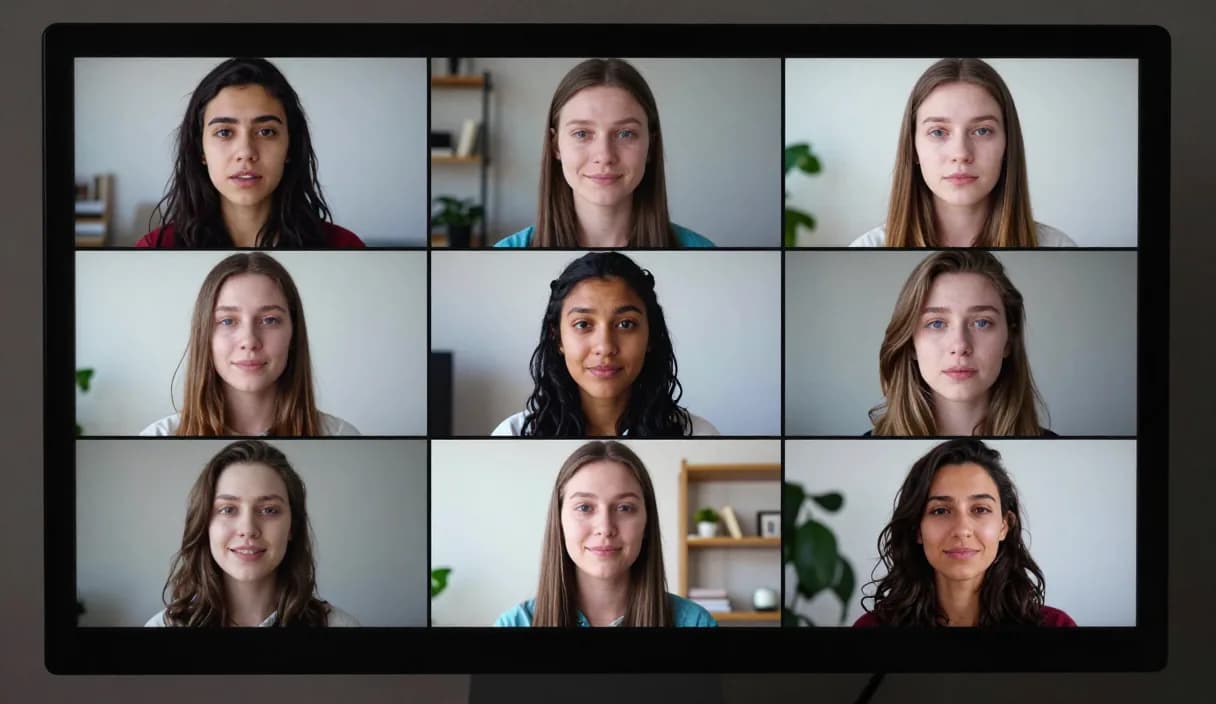
Streaming with friends makes a broadcast more lively and fun, for the streamer and the audience alike. This guide shows how to set up a joint stream, share audio and donations, and grow together.
Donator is Georgia's #1 platform: 3% commission, paid out in GEL straight to your Georgian bank.
Create an account in 2 minutes and start getting paid today.
Step 1 of 3
Choosing a co-stream format
Decide whether you will be in one space or remote. Streaming from one computer in the same room is the simplest, while remote takes more planning.
Choose who hosts the stream, meaning whose channel the broadcast runs on, and who joins as a guest.
Technical setup: audio and connection
For a remote co-stream, Discord or a similar voice app is essential so you can hear each other clearly.
In OBS, add a separate audio source for your friend's voice and balance the levels so no voice is lost.
Sharing donations on a joint stream
Each streamer can share their own Donator link so viewers choose who to support.
The Donator alert is an OBS Browser Source layer, so both links' alerts can be added in the host's OBS to show donations on stream. Since viewers pay with any card, Georgian or foreign, the diaspora can support you too.
Growing together and swapping audiences
A joint stream introduces both friends' viewers to each other, which helps both channels grow.
Schedule regular joint streams, it gives viewers a reason to return and strengthens the community.
DonationAlerts and Streamlabs: how to stream with friends and the local option
Many streamers search DonationAlerts or Streamlabs when they want setup or an alternative. For how to stream with friends in Georgia, GEL payout is often the real friction.
On Donator the OBS alert shows right away, viewers pay with any card, and money goes to TBC or Bank of Georgia. You can keep the same alert habit and fix payouts locally.
DonationAlerts, Streamlabs, and other tools: what changes in Georgia
Many streamers start with DonationAlerts or Streamlabs, because those are the names people type when they search for an OBS donation alert, a donation page, or an alternative to a foreign tool. StreamElements often shows up in the same shortlist.
In Georgia those products are often built for other markets: foreign wallets, awkward withdrawals, or fees that never land cleanly in GEL. Patreon and PayPal still fit some creator formats, but they do not always replace live stream donations with payout to a Georgian bank.
Donator is built so a viewer can pay with any card, Georgian or foreign, the alert can show in OBS right away, and the money settles in GEL to TBC or Bank of Georgia. If you already used DonationAlerts or Streamlabs, you can keep the same alert habit and fix payouts locally.
Frequently asked questions
Can we stream together remotely from different cities?
- Yes. A voice app like Discord and the host's OBS are enough to make one stream from different places.
How do we split donations between two streamers?
- Each shares their own Donator link, so the viewer chooses who to support, and the amount is paid directly to that streamer's Georgian bank in GEL.
Will both alerts appear on stream?
- Yes, if both Donator Browser Source alerts are added in the host's OBS, both donations appear on stream.
Do we both need expensive equipment?
- No. One computer in the same room is enough, and remotely each person needs internet, a microphone and a camera.
Related articles
- DonationAlerts and Streamlabs alternative for Georgia
- How to receive donations on stream
- How to set up a donation alert in OBS
- How to collaborate with other streamers
- How to add emotes to your stream
- How to stream outdoors: an IRL streaming guide
- How to stream a tournament from start to finish
- How to stream from your phone in Georgia
- How to set up your first OBS scene step by step
Official sources
Donator: Georgia's first and best donation platform for streamers, on its way to becoming the only platform a streamer needs and expanding across the Caucasus region.
In official partnership with Georgia's leading banks, TBC and Bank of Georgia.
Donator is Georgia's #1 platform: 3% commission, paid out in GEL straight to your Georgian bank.
Create an account in 2 minutes and start getting paid today.
Step 1 of 3
For streamersGuideDonationAlerts and Streamlabs alternativeIndustriesBlogGame reviewsFAQAboutDemo