Guide
How to stream a tournament from start to finish
Donator Editorial · July 21, 2026
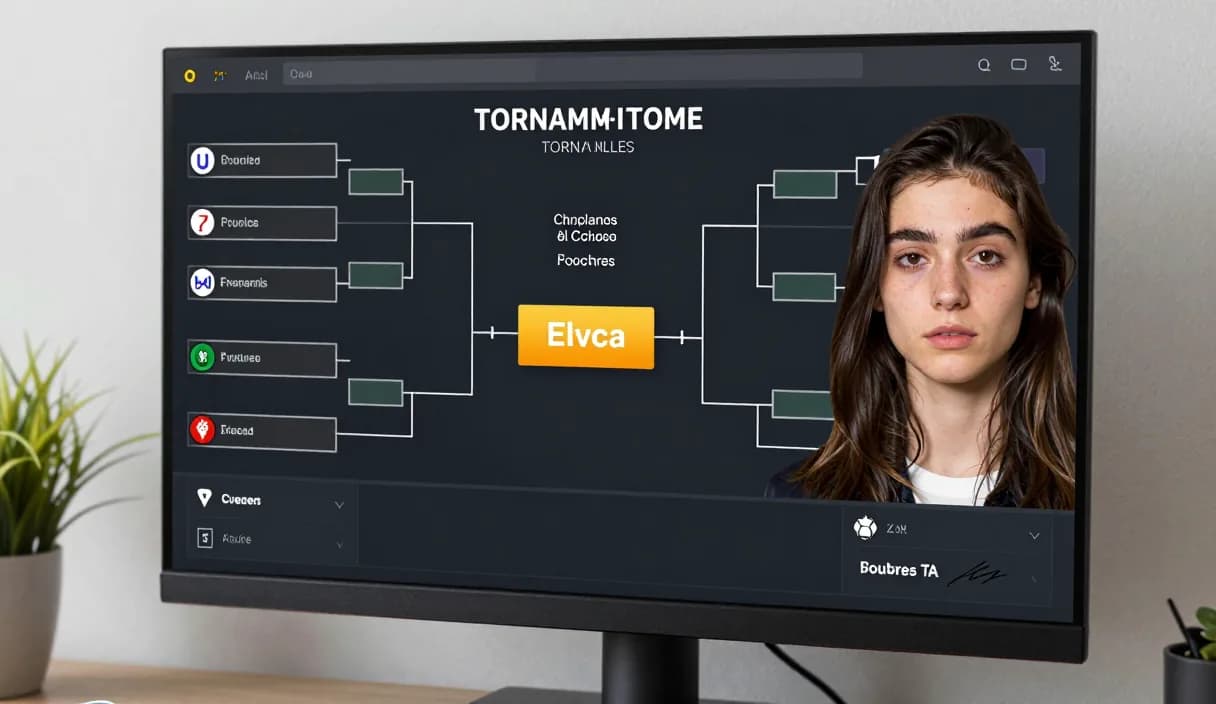
How to stream a tournament so the broadcast stays smooth and engaging takes good preparation. This guide walks through every stage of a tournament stream, from preparation to the live broadcast, and shows how to connect donations with Donator, Georgia's first and best donation platform.
Donator is Georgia's #1 platform: 3% commission, paid out in GEL straight to your Georgian bank.
Create an account in 2 minutes and start getting paid today.
Step 1 of 3
Preparing before the tournament
Learn the schedule, participants and rules in advance so you can commentate calmly on stream. Prepare short notes on each team or player.
Before going live, check internet, sound and camera, and run a short test stream. Catching a technical problem early reduces stress during the live broadcast.
Setting up OBS scenes for a tournament
Create several scenes in OBS: a starting screen, a gameplay scene, a break screen, and a bracket view. Fast switching between scenes gives the broadcast a professional feel.
Add a separate layer for results and the bracket so viewers always see who plays whom. One consistent visual gives the whole tournament a unified look.
Running the live broadcast
A tournament stream runs long, so talk to viewers during breaks, answer chat, and keep your energy up. Live commentary keeps viewers on the stream.
If chat is busy, have a moderator so you can focus on the game and commentary. Good moderation keeps the stream calm and orderly.
Donations during a tournament
During a tournament, donations give viewers another way to get involved. A Donator alert through an OBS Browser Source instantly shows the donor's name and message right on stream.
Donations work with any card, Georgian or foreign, so fans abroad can support you too. The amount is paid out to a Georgian bank in GEL, minus a small platform fee.
DonationAlerts and Streamlabs: how to stream a tournament and the local option
Many streamers search DonationAlerts or Streamlabs when they want setup or an alternative. For how to stream a tournament in Georgia, GEL payout is often the real friction.
On Donator the OBS alert shows right away, viewers pay with any card, and money goes to TBC or Bank of Georgia. You can keep the same alert habit and fix payouts locally.
DonationAlerts, Streamlabs, and other tools: what changes in Georgia
Many streamers start with DonationAlerts or Streamlabs, because those are the names people type when they search for an OBS donation alert, a donation page, or an alternative to a foreign tool. StreamElements often shows up in the same shortlist.
In Georgia those products are often built for other markets: foreign wallets, awkward withdrawals, or fees that never land cleanly in GEL. Patreon and PayPal still fit some creator formats, but they do not always replace live stream donations with payout to a Georgian bank.
Donator is built so a viewer can pay with any card, Georgian or foreign, the alert can show in OBS right away, and the money settles in GEL to TBC or Bank of Georgia. If you already used DonationAlerts or Streamlabs, you can keep the same alert habit and fix payouts locally.
Frequently asked questions
How many scenes do I need for a tournament?
- Three or four are enough: start, gameplay, break and bracket. The key is switching between them quickly.
Do I need a moderator for a tournament stream?
- It helps if chat is busy. A moderator handles chat while you stay focused on the game and commentary.
How do I add donations to a tournament?
- Add a Donator alert in OBS so a donor's support appears right on stream, which pulls viewers in further.
Where does a tournament donation land?
- The amount is paid to a Georgian bank in GEL, through the partnership with TBC and Bank of Georgia, minus a small platform fee.
Related articles
- DonationAlerts and Streamlabs alternative for Georgia
- How to receive donations on stream
- How to set up a donation alert in OBS
- How to stream with friends
- How to stream on a Mac with OBS
- How to set up your first OBS scene step by step
- How to stream outdoors: an IRL streaming guide
- How to stream in HD
- How to set up a second monitor for streaming
Official sources
Donator: Georgia's first and best donation platform for streamers, on its way to becoming the only platform a streamer needs and expanding across the Caucasus region.
In official partnership with Georgia's leading banks, TBC and Bank of Georgia.
Donator is Georgia's #1 platform: 3% commission, paid out in GEL straight to your Georgian bank.
Create an account in 2 minutes and start getting paid today.
Step 1 of 3
For streamersGuideDonationAlerts and Streamlabs alternativeIndustriesBlogGame reviewsFAQAboutDemo